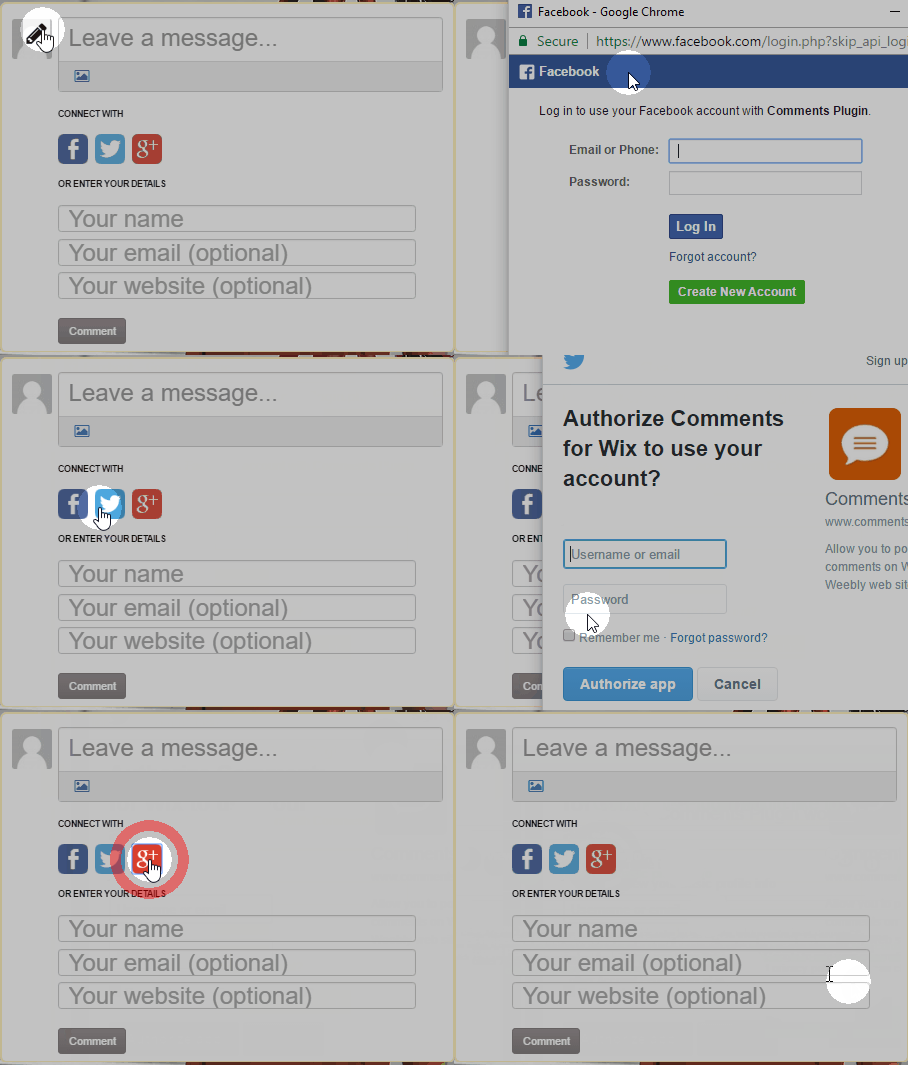
1. Go to your Comments App in Wix.
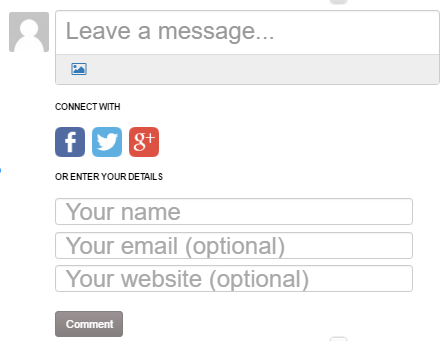
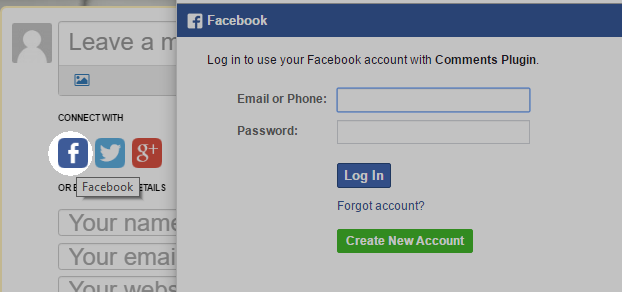
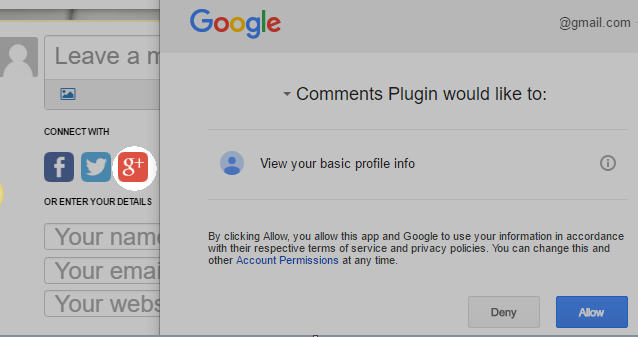
2. Click the social media button you prefer. A new tab will appear and you can enter your login credentials to sign in.
Facebook:
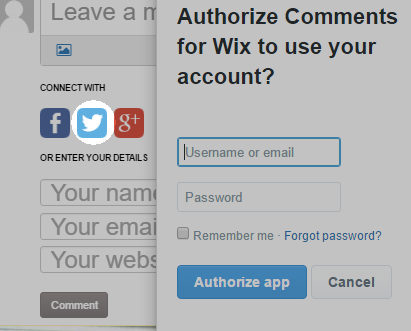
Twitter: Click Authorize app button to sign in.
Google Plus: Click Allow to sign in.

Modified on: Thu, 30 Mar, 2017 at 8:31 AM
1. Go to your Comments App in Wix.
2. Click the social media button you prefer. A new tab will appear and you can enter your login credentials to sign in.
Facebook:
Twitter: Click Authorize app button to sign in.
Google Plus: Click Allow to sign in.
Did you find it helpful? Yes No
Send feedback